Documentation
Logo TCMB Rates Service documentation
This section covers installing, running and maintaining the local Windows service that writes Turkish Central Bank (TCMB) exchange rates into a Logo ERP database. For a short overview of what the product does, see the product page; these pages are written for the person who installs and operates it.
- Current version
- 1.6.6
- Runs as
- Windows service
- Setup time
- ~5 minutes
- .NET required
- No
Where to start
-
Installation and maintenance
Requirements, the five-minute install, the six-step wizard, service management, backup, updates and removal.
-
Daily use
Dashboard, the Rates and Runs screens, undo, the TCMB bulletin calendar and the Logo RATES mapping.
-
Release notes
What each release brought from 1.2.0 to 1.6.6, and the version from which updates became automatic.
-
FAQ and troubleshooting
Why rates may be missing, Logo write permissions, panel access, password reset and what each error message means.
What the product does
The service downloads the daily exchange-rate bulletin published by the Central Bank of the Republic of Türkiye and writes the rates you select into the exchange-rate table of a Logo ERP database. Writing can be triggered by hand and is also scheduled for every business day. Every run is recorded, and a run that went wrong can be undone with a single action.
The application runs on the customer's own machine, in the same environment as the Logo
database. Rate data is never sent anywhere; the only two outbound destinations are
https://www.tcmb.gov.tr for the bulletin and https://lisans.erp.tr
for ERP online services (activation and updates).
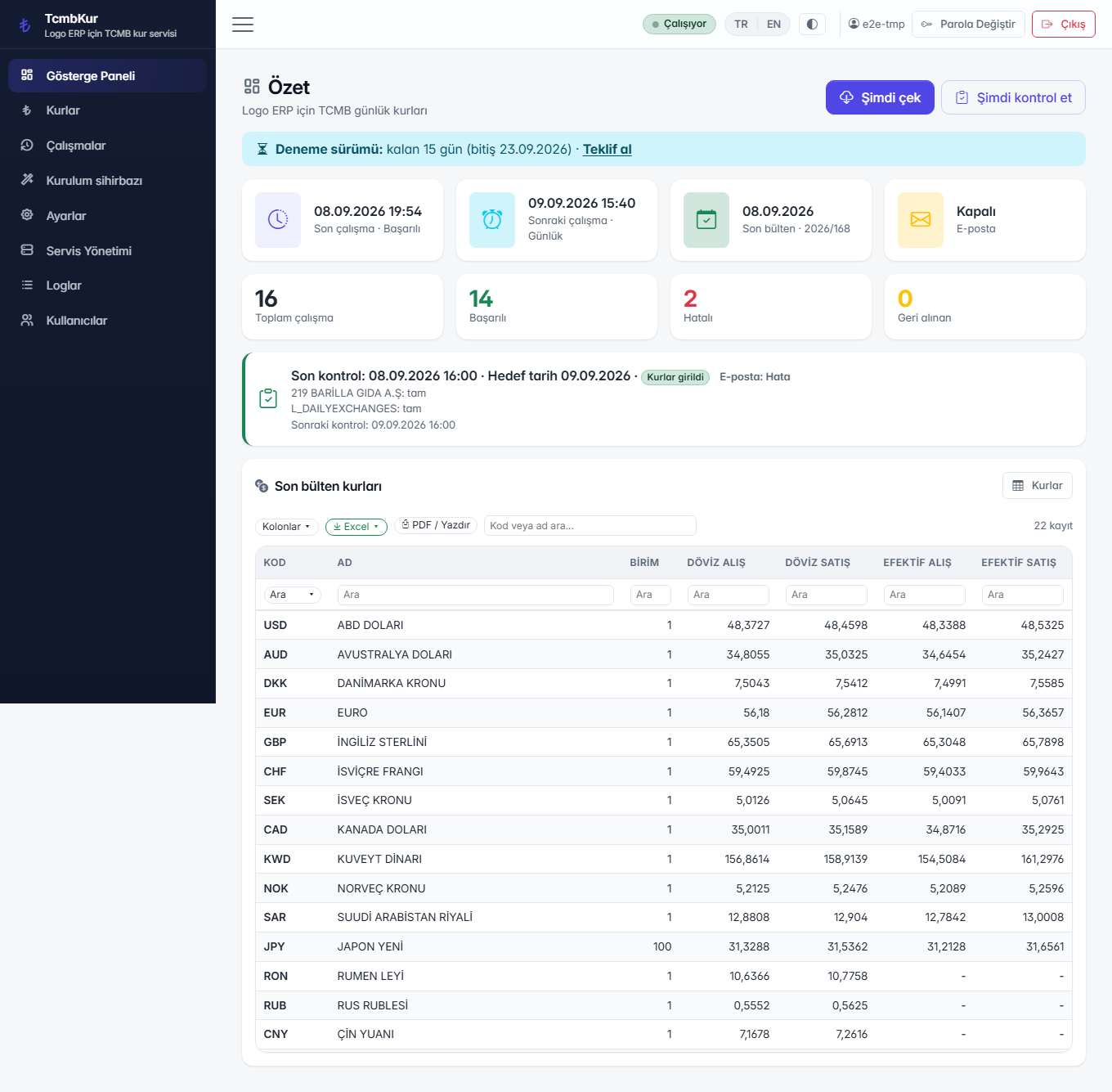
How to open the admin panel
The panel opens only from the machine it is installed on, at
http://127.0.0.1:<port>. During installation the first free port in the
5230–5299 range is chosen and written to
C:\ERP\TcmbKur\listen-url.txt. The first sign-in is
admin / admin; the password is changed on first use.
The panel is deliberately not exposed to the network. If remote access is needed, connect to the machine over RDP; the service port is not opened outbound in the firewall.